

Fastrac App
Step-by-step help for the Fastrac dashboard and mobile app.
- Product
- APPFastrac App
- Reading time
- 2 min read
This section explains how to use the Fastrac dashboard and mobile app, without any code. Each article tells you who can do a task, walks you through it step by step, lists fees and limits, and answers common questions.
Looking for something else?
Use Fastrac Shop to run an online store, or Shipping Engine API to integrate Fastrac into your own system.
What you can do in the dashboard
- Set up your account. Sign up, verify your email and WhatsApp number, and get your business verified.
- Ship. Check shipping rates across couriers, book shipments, schedule pickups, track and cancel them.
- Manage money. Top up your balance, pay for orders, receive COD proceeds, and withdraw to your bank account.
- Connect your system. Find your API credentials and register a webhook endpoint.
- Get help. Open support tickets, read notifications, and track your milestones.
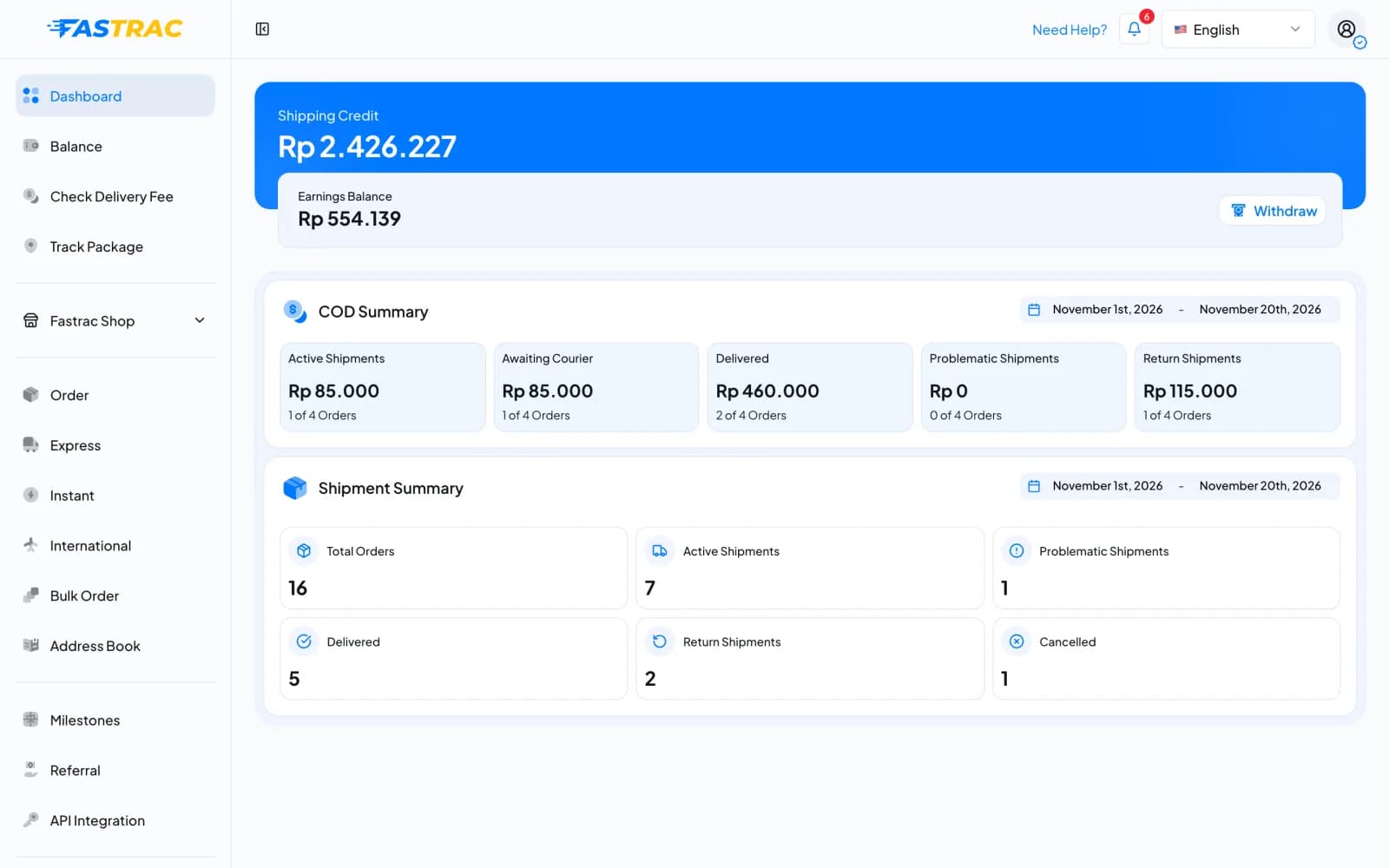
After you sign in, the Dashboard page shows your shipping credit and earnings balance, a COD summary and a summary of your shipments. The sidebar on the left takes you to every feature.
Browse by topic
Account
Sign up, verify your WhatsApp, business verification, API keys, team and roles.
Money
Your four balance pockets, top-ups, paying for orders, withdrawals and referrals.
Shipping
Check rates, book and track shipments, pickups and cancellations.
Support
Contact support, notifications, milestones and badges.
Looking for something else?
Fastrac Shop
Run an online store: catalog, payments, orders and fulfilment.
Shipping Engine API
For developers: integrate Fastrac into your own system.
Popular tasks
| I want to… | Read |
|---|---|
| Start booking shipments | Verify your WhatsApp number |
| Unlock top-ups, withdrawals, COD and API keys | Business verification |
| Add money to my balance | Top up your balance |
| Get my COD money into my bank | Withdraw your payout balance |
| Understand a charge | Read your balance history |
| Report a problem with a shipment | Contact support |
Was this page helpful?