

Sign up and verify your email
Create a Fastrac account and confirm your email address.
- Product
- APPFastrac App
- Section
- Account
- Reading time
- 3 min read
Create a free account with your email address, then confirm the address from the email we send you. Once your email is verified you can sign in and check shipping rates.
Who can do this
Anyone with an email address. You don't need a business or any documents to sign up.
Sign up
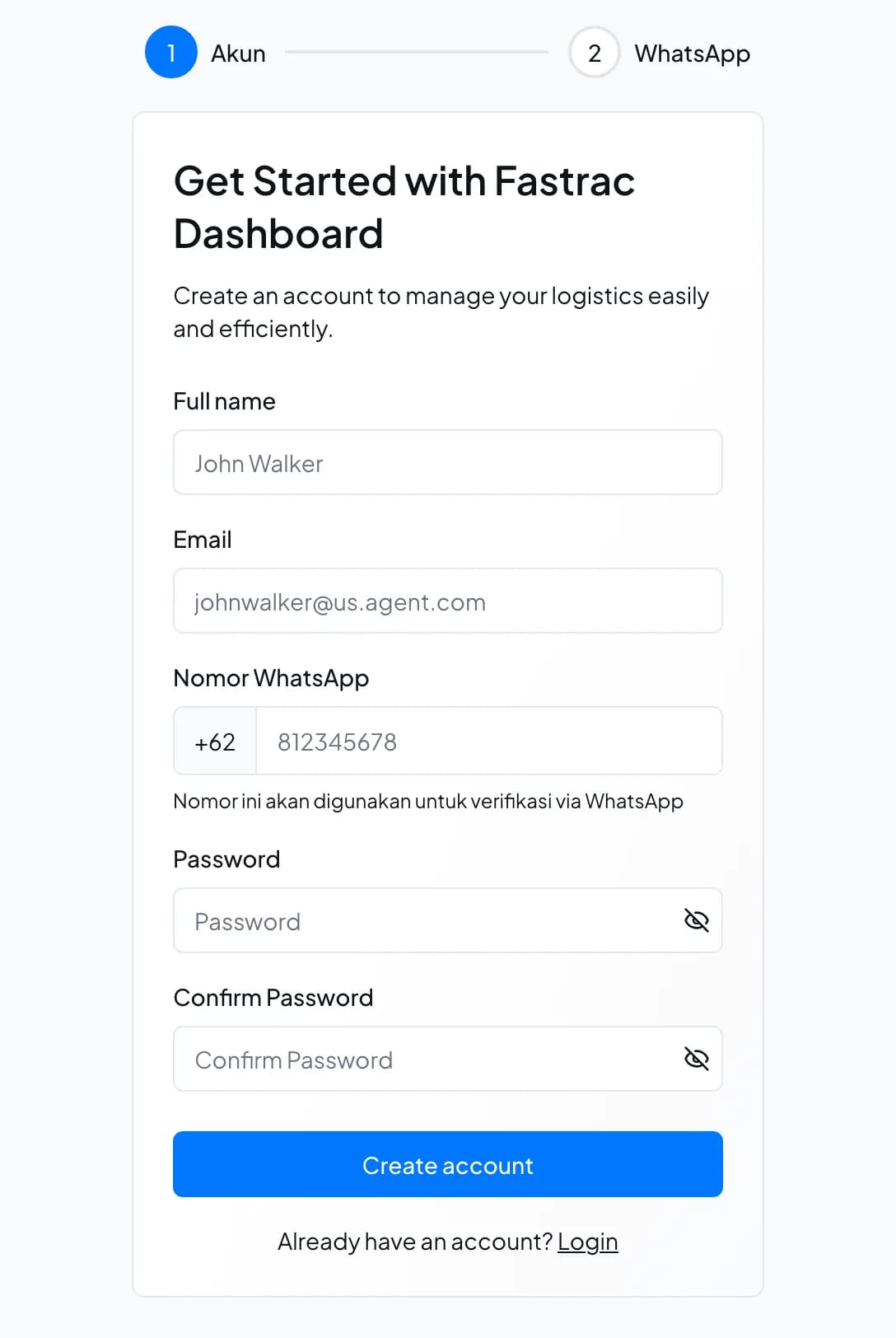
- Open the Fastrac dashboard (app.fastrac.cc/signup) or the mobile app and choose to sign up.
- Fill in Full name, Email and your WhatsApp number (without the leading
0;+62is already filled in). - Choose a Password of at least 8 characters and type it again in Confirm Password.
- Select Create account. Your account is created straight away.
Verify your email
- Open the verification email we send to the address you signed up with.
- Select the link in the email to confirm your address.
- Return to the dashboard and sign in.
You can't use the dashboard until your email is verified. If you try, sign-in is refused with a message that your email address is not verified.
What a new account can do
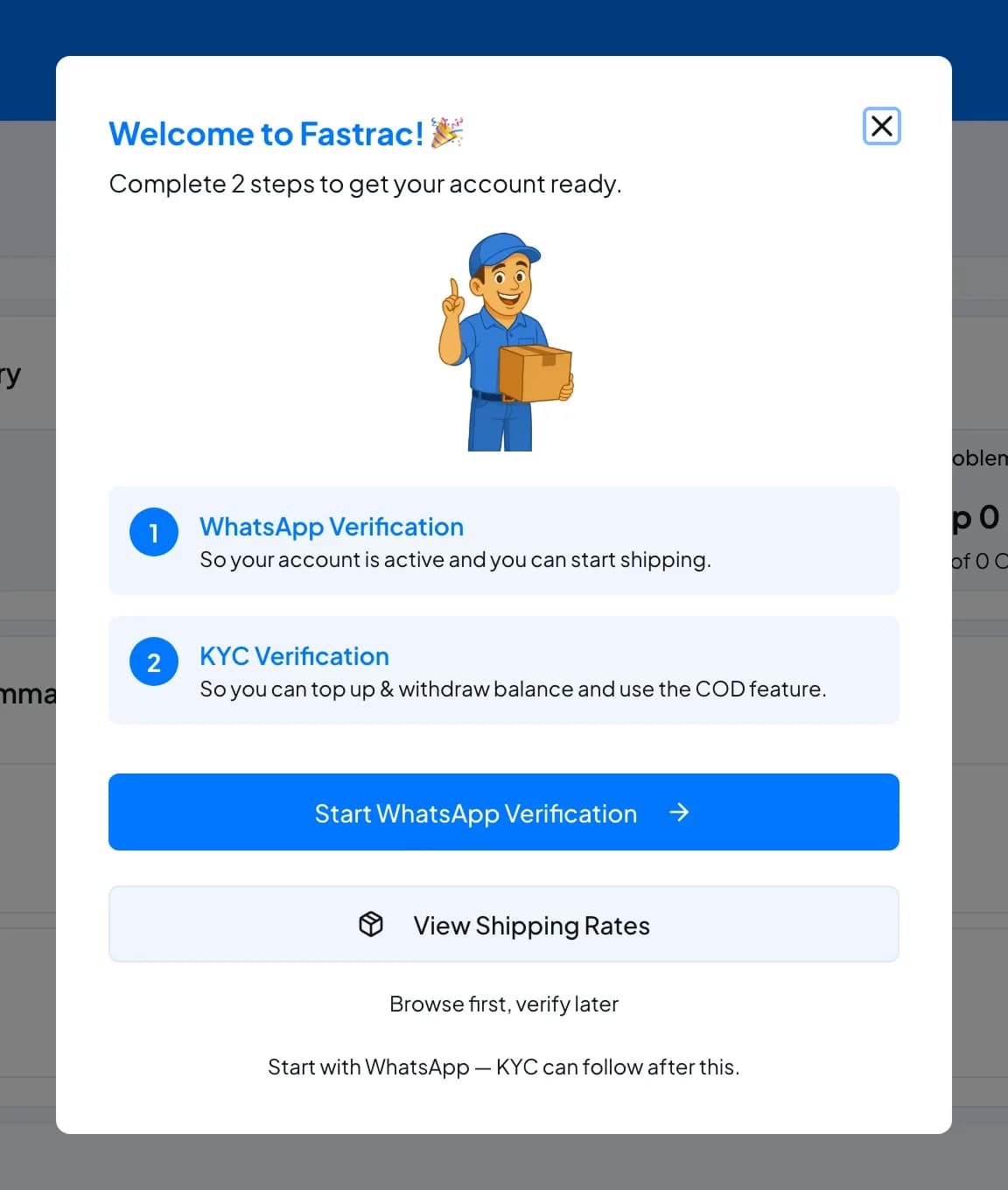
A new account starts with limited access. Each verification step unlocks more:
| Step | You can |
|---|---|
| Email verified | Sign in, check shipping rates, see your balance, open support tickets |
| WhatsApp verified | Also book and pay for shipments (non-COD), see your order history, save addresses |
| Business verified (KYC) | Also top up and withdraw your balance, use COD, and get API credentials and webhooks |
The first time you sign in, the dashboard shows these two steps in a Welcome to Fastrac! window. Select Start WhatsApp Verification to begin, or View Shipping Rates to look around first.
Fees and limits
| Item | Value |
|---|---|
| Cost of an account | Free |
| Password | At least 8 characters |
| Full name | At least 3 characters |
| Accounts per email address | One |
FAQ
Check your spam or promotions folder, and make sure you typed the address correctly. If it still doesn't arrive, contact support with the email address you used.
The dashboard doesn't let you change it yourself. Contact support if you need a different address.
Not while the deleted account is still within its 90-day deletion period. See Profile and account deletion.
No. Individuals can verify their WhatsApp number and start shipping. Business verification is only needed for API access, webhooks and team features, and you can apply as an individual (Perorangan) too.
Was this page helpful?