

Business verification (KYC)
Verify yourself or your company to get API keys, webhooks and team features.
- Product
- APPFastrac App
- Section
- Account
- Reading time
- 5 min read
Business verification (KYC) confirms who you are. You can apply as an individual (Perorangan) or as a registered business (Badan). When Fastrac approves your application, you get your own business organisation, API keys and team features.
Who can do this
- Any signed-in user with a verified email who is not yet part of a business organisation.
- In the dashboard, verify your WhatsApp number first. Until you do, the verification form is covered by a WhatsApp verification window.
- You can have only one application under review at a time.
- Once an application is approved, you can't submit another one.
Choose your verification type
| Individual (Perorangan) | Business (Badan) | |
|---|---|---|
| Best for | Sole traders, online sellers, freelancers | Companies with an NIB and a company NPWP |
| Identity | Your NIK, full name, gender, place and date of birth | Legal company name, NIB, NPWP |
| People | You | The director (full name, NIK, job title) and a person in charge (PIC). The PIC can be the director. |
| Documents | Photo of your ID card (KTP) and a selfie | NIB document and NPWP document |
Both types also need:
| Section | Required | Optional |
|---|---|---|
| Business details | Display name, business phone number, full business address | Website, social media, province / city / district / subdistrict of the address |
| Residential address | Whether it's the same as your business address. If not: province, city, district, subdistrict and full address | |
| Bank account | Bank, account number, account holder name |
Steps
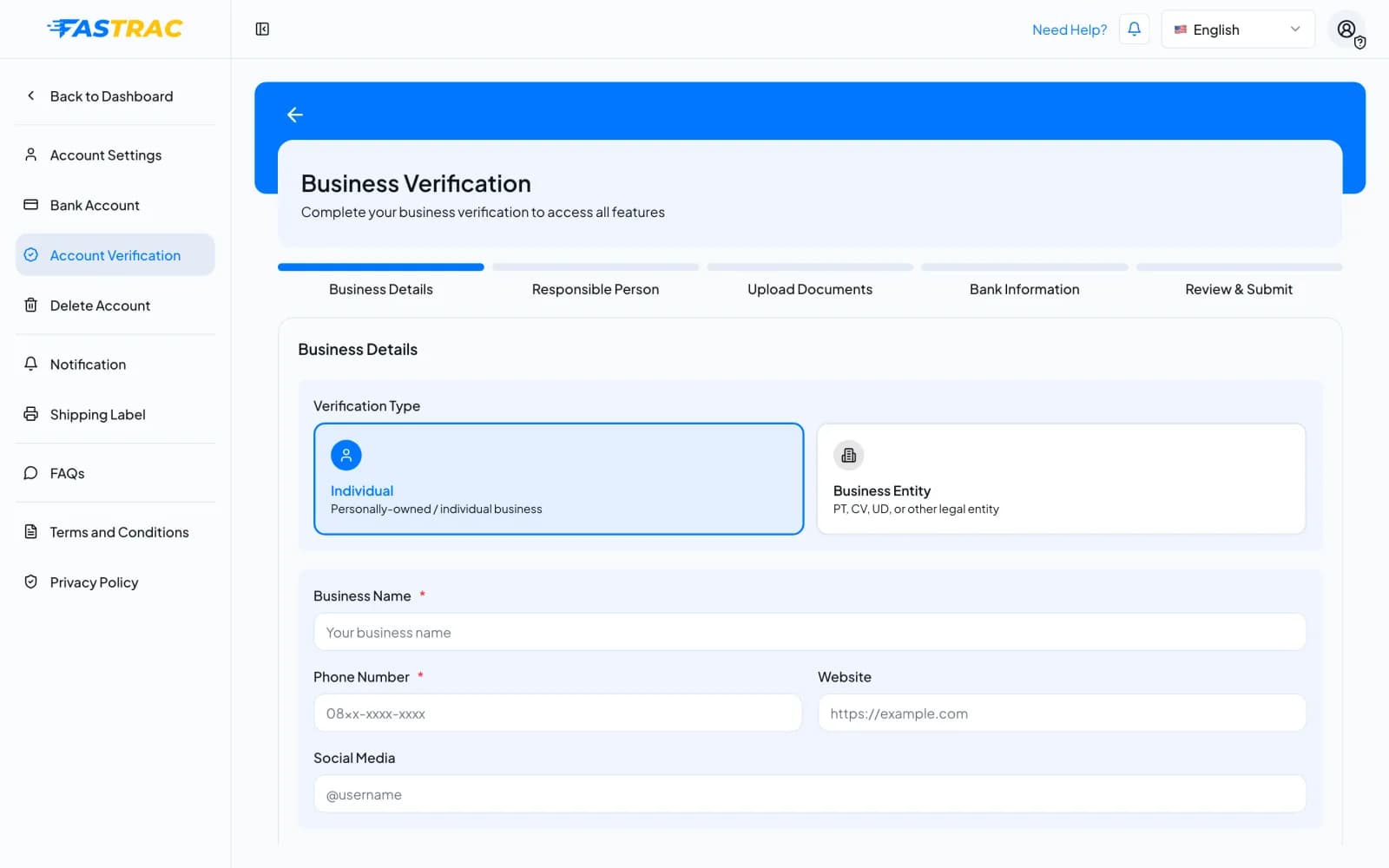
The form has five steps, shown at the top: Business Details, Responsible Person, Upload Documents, Bank Information and Review & Submit.
- Open Settings → Account Verification. The page is titled Business Verification.
- Under Verification Type, select Individual (Perorangan) or Business Entity (Badan: PT, CV, UD or another legal entity).
- Fill in Business Name, Phone Number, optionally Website and Social Media, and the business address, then select Continue.
- Responsible Person: fill in the identity section for your type: your own details (Individual) or the company, director and PIC details (Business Entity), and your residential address.
- Upload Documents: upload the documents for your type.
- Bank Information: add your bank account. This becomes the account your withdrawals are paid to.
- Review & Submit: check everything and submit. Your application status becomes Pending and Fastrac reviews it.
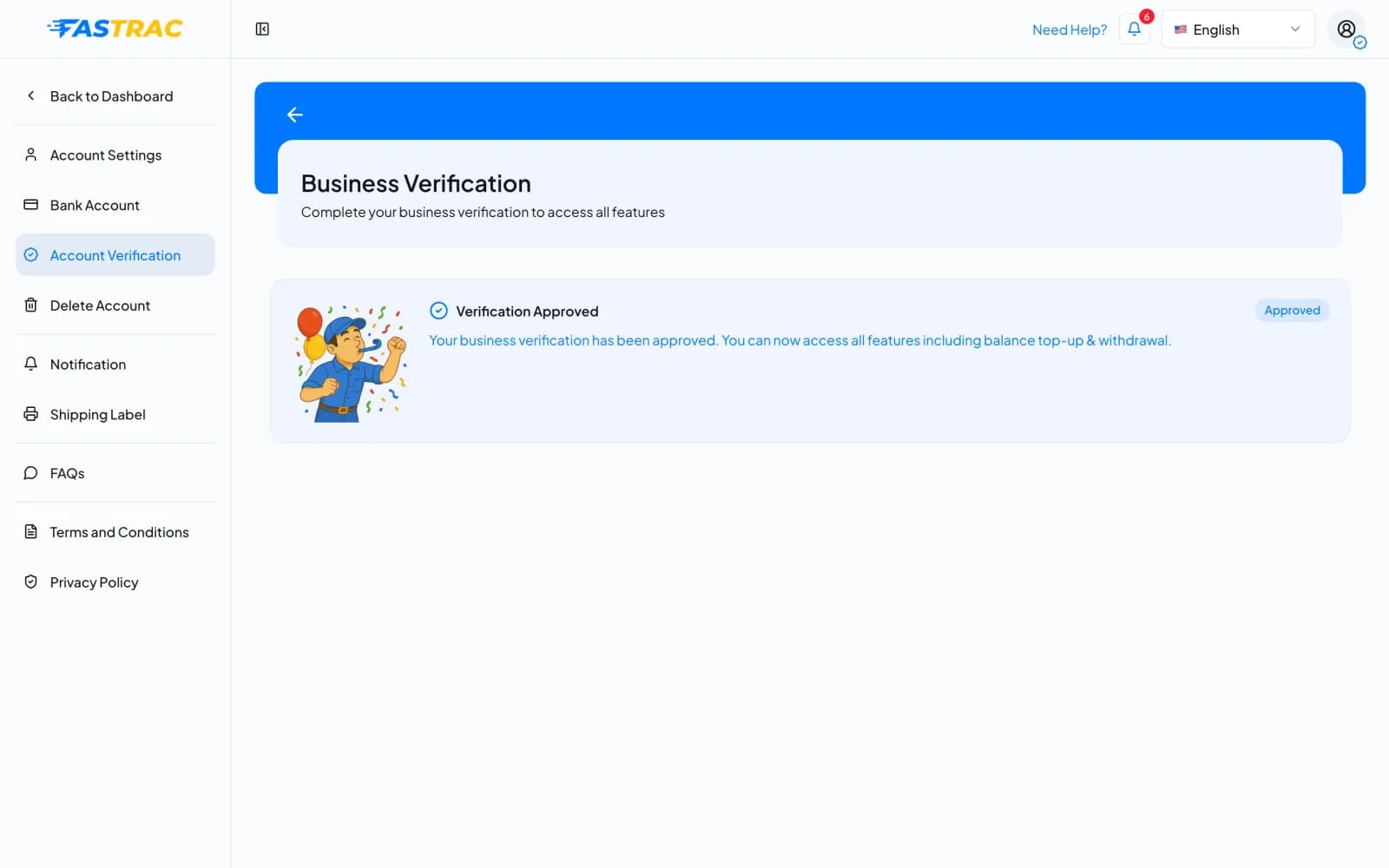
You get a notification when the review is done. Once approved, the same page shows Verification Approved.
Statuses
| Status | Meaning | What to do |
|---|---|---|
| Not submitted | You haven't applied yet | Apply when you need top-ups, withdrawals, COD or API access |
| Pending | Your application is being reviewed | Wait. You can't submit another application meanwhile |
| Accepted | You are verified | Start using your business features (below) |
| Rejected | Something was missing or didn't match | Read the reason in the notification, fix it and submit again |
If your application is rejected
The rejection notification tells you the reason, for example an unreadable document or a name that doesn't match the ID card. Correct the details and submit a new application. There is no limit on how many times you can resubmit, but only one application can be under review at a time.
What approval unlocks
When your application is accepted, Fastrac:
- creates a business organisation named after your business display name;
- makes you its Admin;
- issues your API key, with a production secret and a sandbox secret;
- sends you an Akun Terverifikasi (account verified) notification.
As Admin you can then:
- top up and withdraw your balance, and use COD;
- see your API credentials and set up webhooks;
- add team members (through support; there is no team page in the dashboard yet);
- subscribe to a Fastrac Shop plan (other requirements apply).
Fees and limits
| Item | Value |
|---|---|
| Cost | Free |
| Applications under review at once | One |
| Documents | At least two, as listed for your type |
| NIB and NPWP | Each can be used by only one active or approved application |
FAQ
Reviews are done by the Fastrac team. You get a notification as soon as your application is accepted or rejected. If you have waited a long time, contact support.
Choose Business Entity (Badan) if you have a registered company with an NIB and a company NPWP. Otherwise choose Individual (Perorangan). Both give you the same features after approval.
Another application that is pending or approved already uses that number. If it belongs to your company and someone else applied, ask them to invite you to their organisation instead. Otherwise contact support.
No. A verified WhatsApp number is enough to book and pay for shipments. Business verification is for API access, webhooks and team features.
Yes. The bank account in your application is saved as your verified account and shown under Settings → Bank Account. Withdrawals are paid to it. See Bank accounts.
Was this page helpful?